On-Device AI in Mobile App Development: The Future of Smarter and More Secure Apps in 2026
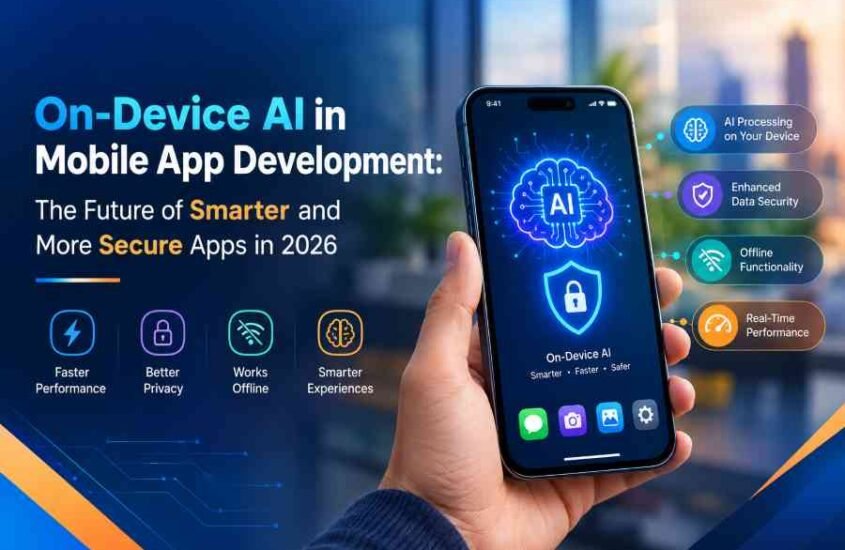
Mobile applications have become a part of everyday life helping people communicate, shop online manage finances, access healthcare services and run businesses. As people want more from their apps traditional mobile applications are turning into platforms that can understand what users need handle tasks automatically and give personalized experiences. One of the exciting technologies making this happen is on-device artificial intelligence (AI).
On-device AI in mobile app development allows artificial intelligence models to do tasks right on a smartphone or tablet instead of relying completely on remote cloud servers. This method can make things faster let some features work without internet. Keep sensitive information safe. In 2026 better mobile processors, machine-learning tools and small AI models are making it easier for developers to add features to mobile apps.
Big companies are already offering tools that help developers build these experiences. Googles Android ecosystem supports on-device AI through tools like ML Kit GenAI APIs and LiteRT-LM while Apples development tools offer machine-learning abilities through Core ML and new on-device AI tools. These changes are opening up chances for businesses looking for smart mobile solutions.
For companies that want to invest in changes understanding on-device AI is becoming more important. From suggestions to smart assistants this technology can help businesses make more helpful, private and easy-to-use apps.
What Is On-Device AI. How Is It Transforming Mobile App Development in 2026?
On-device AI means running intelligence and machine-learning models right on a users device. Of sending every request to a cloud server an app can use the devices processor, graphics card or special AI hardware to do supported AI tasks locally. Depending on the model and the device these tasks can include summarizing text, recognizing speech, classifying images, processing language and more.
Efficient AI models are helping developers bring advanced features to smartphones. Smaller models use resources than big cloud systems making them better for devices with limited memory, power and battery. However the performance of any model depends on how big it’s how its made what hardware it needs and how complicated the task is.
In Android development Google offers tools that help add AI features to apps. ML Kit GenAI APIs can make some tasks easier while LiteRT-LM helps developers put and improve language models for on-device use. On Apples platforms Core ML helps apps run machine-learning models efficiently using the devices hardware.
These tools are expanding the possibilities for AI-powered mobile app development. For example an online shopping app could use on-device AI to sort product photos while a productivity app might summarize text on its own. A language-learning app could give speech feedback. A photo app could help users find images with descriptions.
Another new chance is making AI-powered assistants that understand what users want and help finish tasks. With the tools and permission apps can share certain functions with an AI assistant. Googles 2026 Android updates show this direction with AppFunctions and tools to connect apps with AI agents.
These changes mean mobile app development is going beyond screens and basic automation. Apps can now mix features with smart abilities that respond to what users say and do. Companies that use this tech well can make useful digital products and stand out in busy markets.
Key Benefits of On-Device AI: Speed, Better Privacy and Offline Use
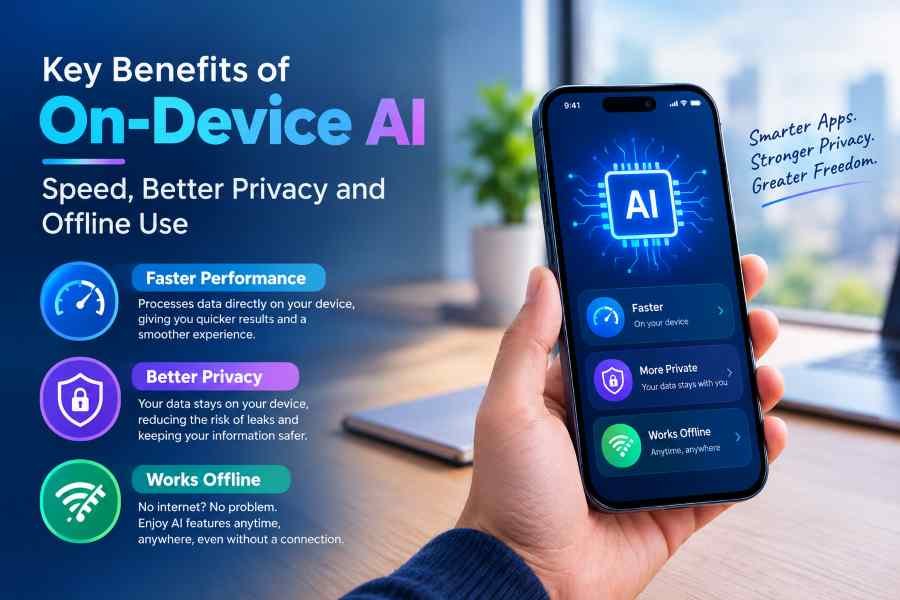
One big benefit of on-device AI is faster responses for certain tasks. When an AI model works locally the app doesn’t need to send every request to a server and wait for a reply. Removing that step can lower delay, for simple tasks that the device can do quickly. This can make features like text suggestions, image analysis and some voice interactions feel more responsive.
Privacy is another advantage. Mobile apps often handle things like messages, photos, work documents and user preferences. If an AI task can be done locally the app might not need to send that data to an AI service. This can keep data safer. Help businesses make apps that respect privacy.
Local work doesn’t always mean perfect security. Apps still need to protect data, control access keep network connections safe and stop access. Developers should clearly explain how data is used. If any information is shared with outside services. Companies that handle data should also follow privacy rules and test security properly.
On-device AI can also work without internet. If the AI model and needed parts are on the device some features might still work without an internet connection. For example an app could sort images, process text or offer some AI help when a user is traveling or in an area with signal.
This can be especially helpful for workers in the field people in logistics, travelers and professionals in places. An app that handles documents or image recognition locally could let employees do some tasks when they can’t connect to the cloud. How well this works depends on the model the devices resources and how the app is built.
Cost is another thing to think about. Processing some tasks locally can lower the number of cloud requests and related costs. It can also reduce the need for internet access for some features.. Companies must consider the cost of making models testing on different devices and keeping the app up to date before seeing the full financial benefits.
Personalization is possible when an app uses data stored on the device or approved by the user. For example a productivity app could give suggestions based on whats on the device. Developers need to keep personalization clear and let users control their information.
Despite these benefits on-device AI has limits. Devices vary in how power, memory and battery they have. Bigger models might use a lot of resources. Not work well on older devices. Developers must check model size, how fast it works, how power it uses and compatibility before adding AI features.
For apps a mix of on-device and cloud AI is the best option. Tasks that need privacy are quick. Require fast responses can run locally while complex tasks use the cloud when needed. Googles 2026 Android AI updates include options for AI that helps developers decide when to use on-device or cloud models.
How Businesses Can Use On-Device AI to Build Secure and Intelligent Mobile Apps
Businesses in areas can gain from on-device AI when it solves a real problem. The best uses start with an idea of the problem not just because AI is popular.
In shopping AI apps can help with image sorting, finding products and some personalized suggestions. For example users might search through their stored photos using text. Some image processing can happen on the device making the shopping experience better.
In health apps on-device AI can help with some wellness tools, speech recognition or organizing user data. Any health app must have privacy measures, checks and follow rules. AI results should not replace medical advice when needed.
Companies in delivery or on-the-job work can use local image recognition, document processing and smart data entry. Workers might get info from documents or sort photos without sending everything to an AI service. These features can help when they are part of existing systems.
Education apps can use on-device models for language learning text help and interactive lessons. Productivity apps might give summaries writing help and smart search. In each case developers should check if the AI model can be accurate and work on the device.
Making these apps needs the plan. Developers should choose a model that fits the job test it on devices and make it use less memory and power. Techniques like reducing model size can help,. They must check how it affects accuracy and speed.
Security should be part of the process. This includes keeping data safe using login and control limiting access and handling any cloud communication safely. Developers should also see how apps work when theres no internet storage is low or the device doesn’t support AI features.
User experience matters too. AI should be easy to understand give feedback and let users fix mistakes. Apps should say when an AI feature isn’t working and offer options. Developers must check AI results for reliability, bias and possible errors.
Businesses wanting to add these features can work with a mobile app development company. A good team can look at business needs choose the tech make user-friendly designs and build apps for Android and iOS.
Nextr Technology helps businesses find solutions through mobile app development, software development and web development. By matching tech choices with business goals companies can build apps that help with work improve customer experiences and get ready for ideas.
The future is, about combining features with good engineering. On-device AI isn’t replacing computing but it gives developers another way to add helpful features while balancing speed, privacy, cost and growth.
Conclusion
On-device AI in mobile app development is becoming a technology trend in 2026. By enabling supported AI models to run on smartphones and tablets it can improve response times support selected offline features reduce unnecessary data transfers and create more personalized user experiences. Advances in Android AI tools Apples machine-learning frameworks and compact AI models are making these capabilities increasingly accessible to developers.
However successful implementation requires more than integrating an AI model. Businesses must consider device compatibility, processing requirements, battery consumption, information security, privacy and the reliability of AI-generated results. A hybrid approach that combines on-device processing with cloud intelligence can provide flexibility for applications that require both local responses and more advanced computing capabilities.
For businesses planning their digital product on-device AI offers an opportunity to build smarter more responsive and privacy-conscious mobile applications. With the development strategy and technical expertise organizations can turn this emerging technology into practical solutions that improve user satisfaction and support long-term business growth.
Frequently Asked Questions (FAQs)
1. What is on-device AI in mobile app development?
On-device AI is a technology that allows mobile applications to run supported intelligence and machine-learning models directly on smartphones or tablets instead of relying entirely on remote cloud servers. It can support features such as text processing, image recognition and selected AI assistants.
2. What are the main benefits of on-device AI for applications?
The main benefits include faster responses, reduced dependence on internet connectivity for supported tasks improved control over personal data and opportunities to reduce cloud processing costs. Actual results depend on the AI model, device hardware and application design.
3. Is on-device AI more secure than cloud-based AI?
On-device AI can reduce the need to transmit information to external servers, which may improve privacy. However security also depends on encryption, application permissions, secure storage, software updates and the overall system architecture. Local processing alone does not guarantee security.
4. Can on-device AI work without an internet connection?
Yes. AI features can work offline when the required model and resources are available locally on a device. However features that require cloud services, online information, account verification or server-side processing may still need an internet connection.
5. How can businesses integrate on-device AI into applications?
Businesses can start by identifying use cases selecting an appropriate AI model evaluating Android and iOS development frameworks and testing performance across supported devices. Working with a mobile app development company can help ensure that AI features are integrated securely efficiently and in line, with business goals.
Thank you for reading
Buy Web Hosting at an affordable price: Buy Now.
If you want to build your website at an affordable price, contact www.nextr.in
Read this: How AI is Changing Education